AI schedule assistant for iPhone
PlanRight
Turn what you see into time you can use.
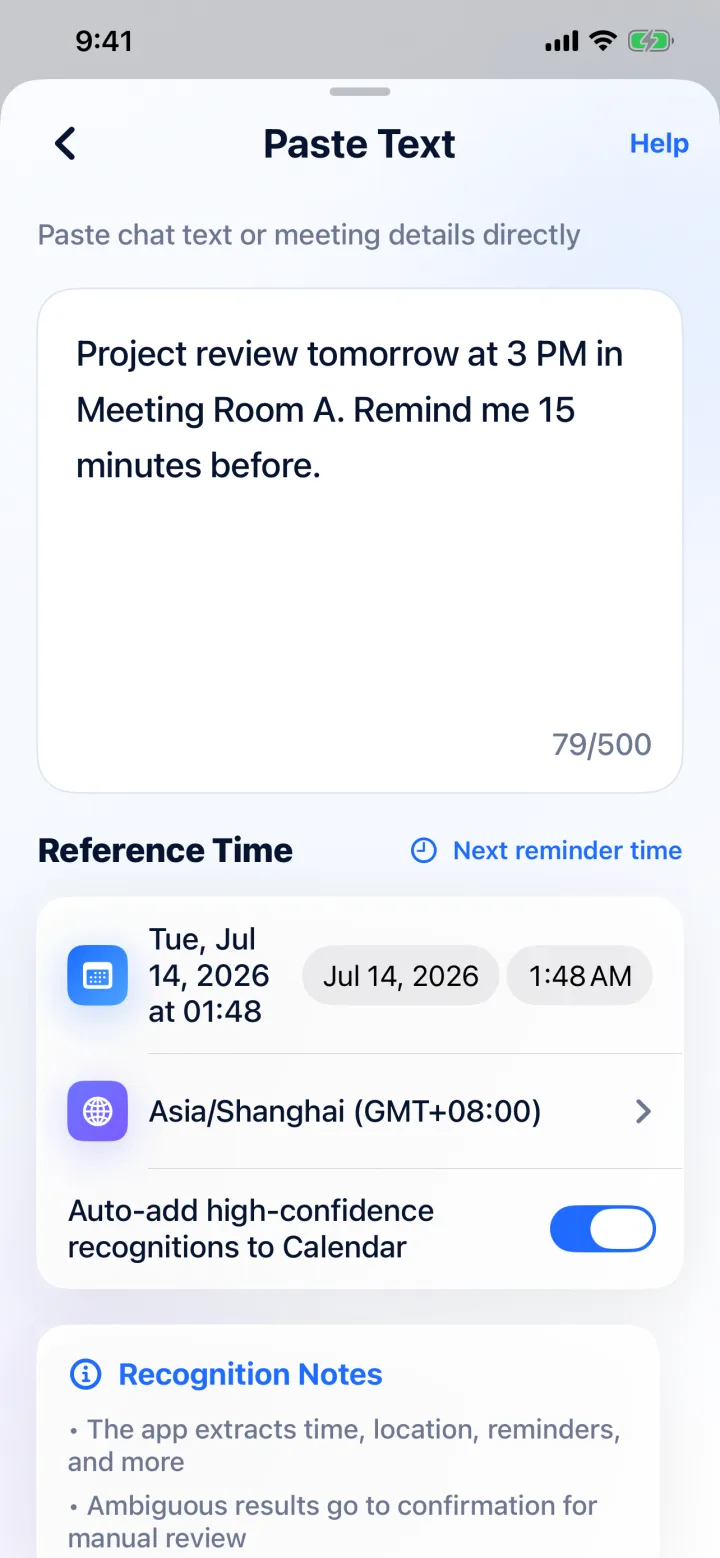
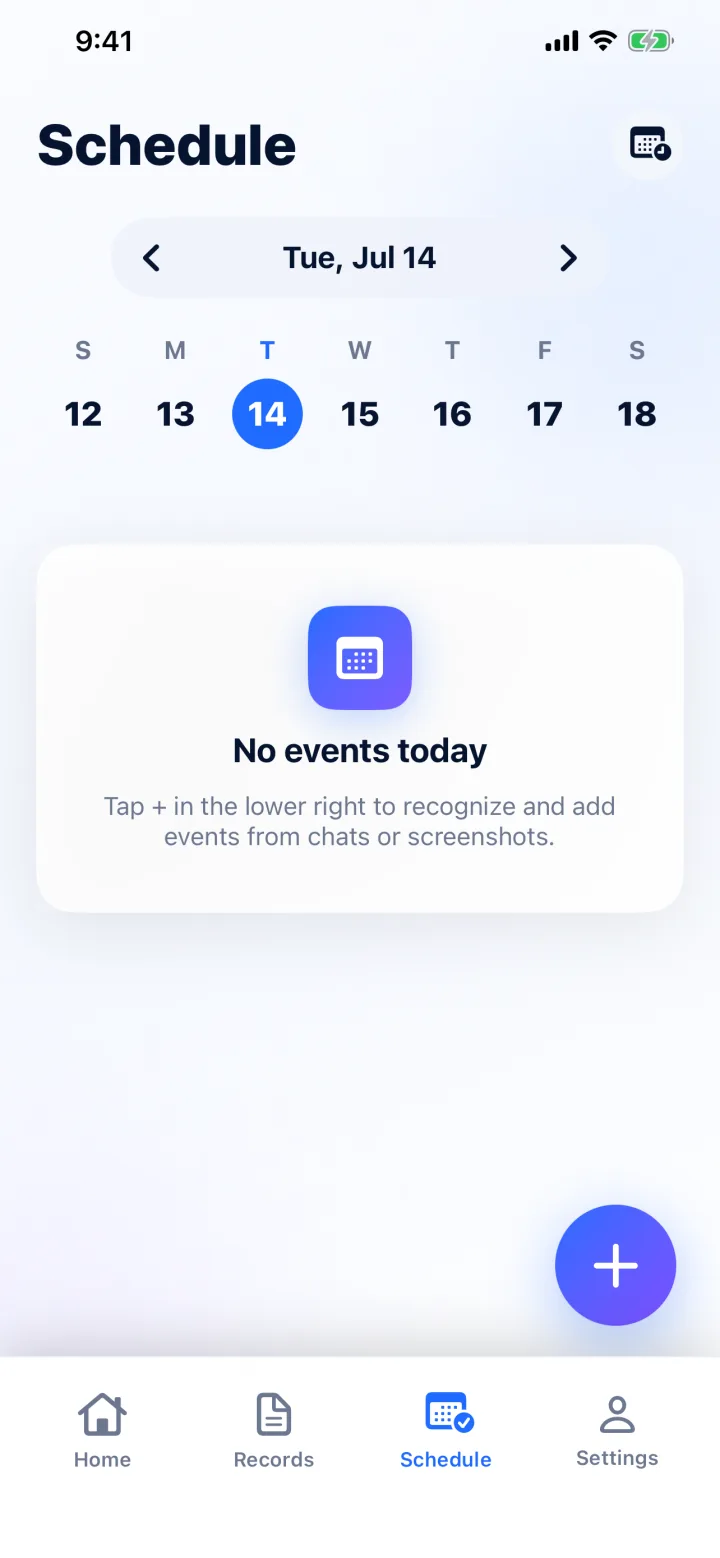
Paste a message, choose a screenshot, or share from another app. PlanRight extracts the title, time, location, notes, and reminders, then lets you review everything before saving.
Images are prepared on-device and sent only after your permission
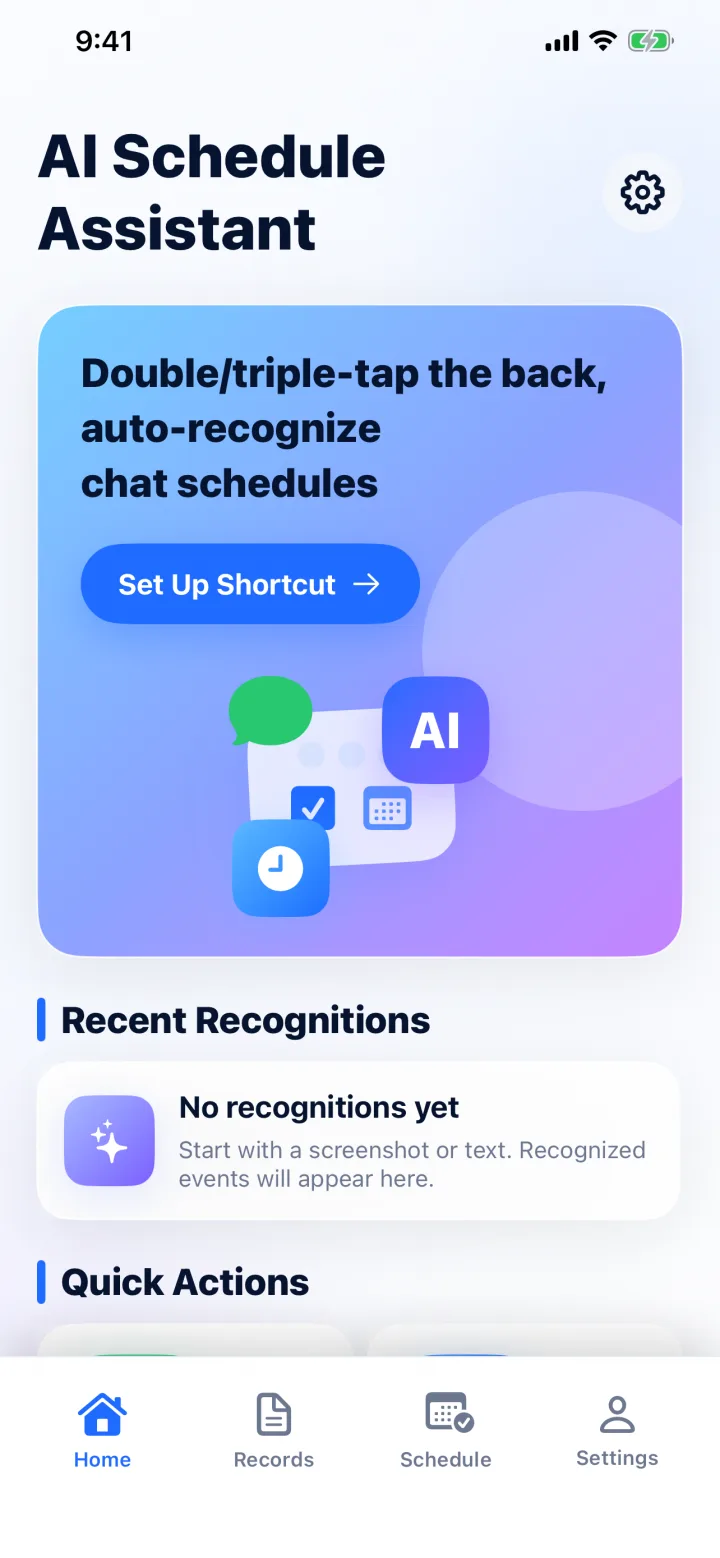
Less retyping
From scattered details to a clean event
Use the entry point that fits the moment. PlanRight keeps the result editable so AI remains an assistant, not the final decision.
Private by design
Useful AI, clear boundaries.
For text and image recognition only; the separate audio rules below apply to recordings. Only after you explicitly consent, PlanRight corrects the selected image orientation, removes metadata, and compresses it on your device. The compressed copy, on-device OCR or entered text, language, reference date, and time zone are sent through ZEALX to a contracted third-party AI service for the current request. Contacts and existing calendar contents are not sent, and ZEALX does not persist or log the image, recognition content, or AI output. Recording starts only after your action and microphone permission. Stopping does not upload audio; cloud audio processing requires separate explicit consent. ZEALX does not save raw WAV audio to disk. It encrypts temporarily stored transcripts and results. Unfinished sessions expire 2 hours after starting; completed results expire no later than 24 hours after completion. Expired content is inaccessible and removed by service cleanup.
Read the privacy policyBuilt for the details people actually send
- Meeting messages
- Class schedules
- Bookings and tickets
- Posters and invitations
The next plan should take seconds, not several forms.
Download PlanRight and turn the next screenshot or message into a calendar event.